5 min read
How to Create a Photo Strip in Your Browser
A complete walkthrough from choosing a frame to saving the finished image—without installing an app.
Written and tested by WR, creator of KlikFoto.
Prepare your camera and lighting
Open KlikFoto in a modern browser, allow camera access, and place your device on a stable surface. Light coming from in front of you creates clearer faces than a bright lamp or window behind you.
Clean the camera lens before starting. This tiny step often makes the biggest visible improvement in sharpness.
Choose a frame type
Built-in frames are ideal when you want to start immediately. Custom Frame lets you choose the number of photos first, then pick a color and one sticker preset after capture.
- ✓Built-in frame: choose, capture, preview.
- ✓Custom Frame: choose a 1–4 photo layout, capture, customize, preview.
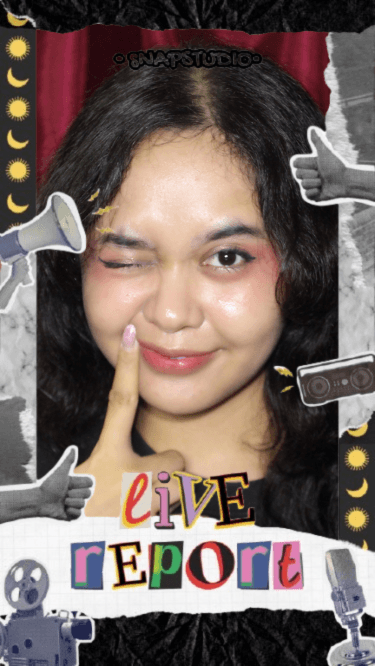
Capture and review
Follow the countdown so everyone has time to change poses. At preview, check expressions and composition. Retake only the photo that needs replacing; the other captures stay intact.
- ✓Look at the lens rather than your image on screen.
- ✓Leave a little room around every face.
- ✓Download the full-resolution result when you are happy.